Picture this. You send a thoughtful LinkedIn message to the operations director of a manufacturer in Oxford. She’s interested enough to click your name. In about five seconds, she sees a default gray banner, a headline that reads “Owner at Smith Services,” and an About section last updated in 2019.
She closes the tab and never replies.
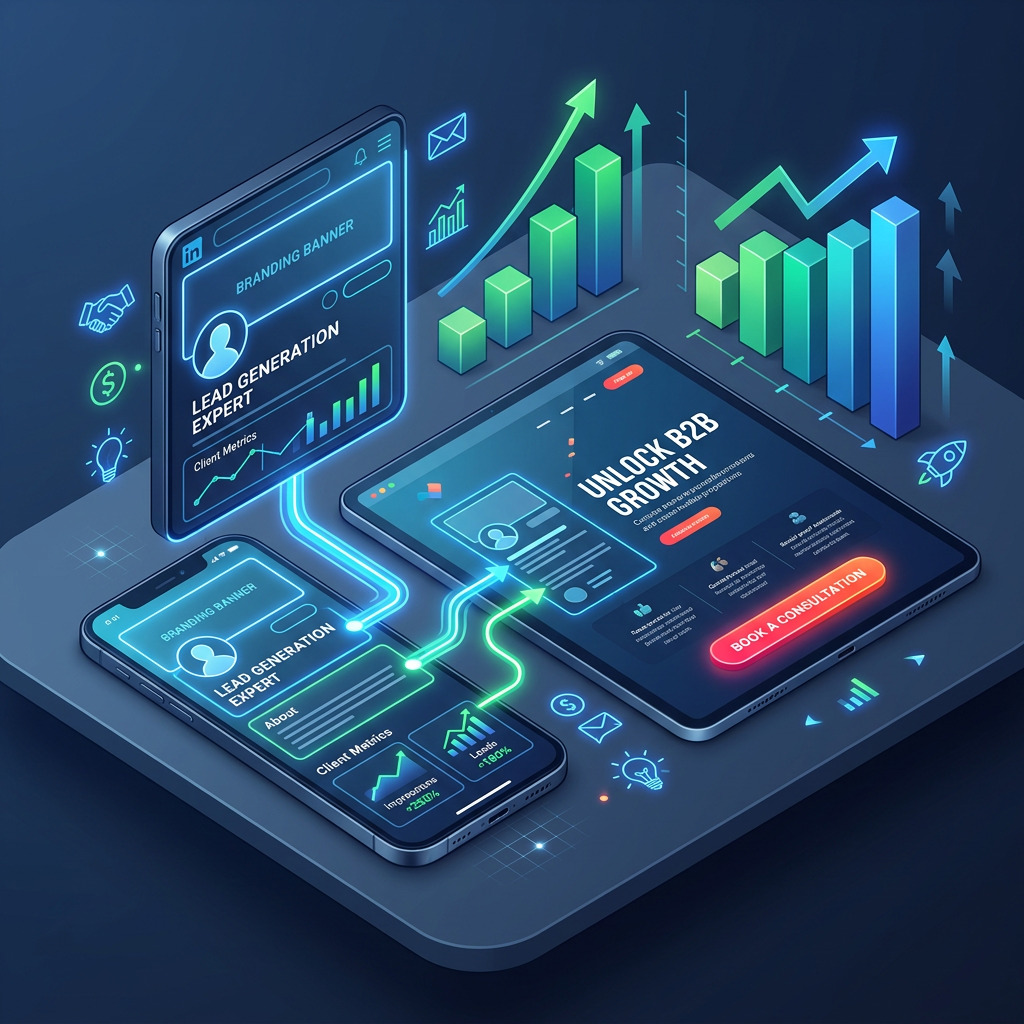
This happens far more often than most business owners realize. Your LinkedIn profile is not a résumé. It’s a landing page. Every message you send, every comment you leave, and every post you publish points people back to it. If the profile can’t convert that attention, nothing else you do on LinkedIn will work as well as it should.
That’s why, before we generate any attention for a client, we make sure the profile can convert it. Here are the seven areas we optimize, and what you can do to fix each one.
1. Your headline: say who you help, not just what you are
Your headline follows you everywhere on LinkedIn: search results, comments, connection requests, and messages. It may be the only thing a prospect reads before deciding whether to click.
A job title tells people your role. A strong headline tells your ideal client why you’re relevant to them.
- Before: Owner at Smith Services
- After: Helping North Alabama manufacturers reduce downtime with fast, reliable equipment maintenance
Try this formula: I help [ideal client] achieve [result] through [what you do].
2. Your banner: use the most underrated space on the page
The banner behind your profile photo is free advertising space, and most people leave it blank or use a stock skyline. Use it to reinforce your message with your value proposition, the types of clients you serve, a simple proof point, or a clear call to action.
Keep it clean and readable on a phone. Most LinkedIn browsing happens on mobile, so test how your banner looks there before you call it done.
3. Your About section: write to your buyer, not about yourself
Most About sections read like a biography. The best ones read like a conversation with the ideal client.
Open with the problem your client faces. Explain how you solve it and who you solve it for. Add a bit of credibility, such as years of experience, industries served, or the kinds of results you’ve delivered. Then close with a clear next step.
Write in first person and keep paragraphs short. Your prospect should finish reading and think, “This person understands my situation.”
4. Your Featured section: show proof, not just promises
The Featured section sits near the top of your profile and lets you pin posts, links, documents, and media. It’s one of the best places to build trust quickly.
Good candidates include a case study or client success story, a short video explaining how you work, a helpful guide or checklist, a past webinar or upcoming masterclass, or a booking link. Choose two or three items that move a prospect closer to a conversation.
5. Services and offer positioning: make it obvious what you sell
It sounds simple, but many profiles never clearly state what the person offers. Use the Services section and your Experience entries to spell out your core offers in the language your clients use.
Think about the words a prospect would type into LinkedIn search. “Industrial equipment maintenance in Alabama” is far more useful than “solutions provider.”
6. Your call to action: tell people what to do next
A landing page without a call to action is just a brochure. Your profile should invite the next step, whether that’s booking a call, downloading a resource, or registering for an event.
Put your call to action in your About section, your Featured section, and your banner. Make it specific and low-pressure, like “Book a 20-minute strategy call” instead of “Contact me for more info.”
7. Overall messaging: make every element tell the same story
The last fix ties everything together. Your headline, banner, About section, Featured items, and recent posts should all point to the same ideal client and the same core message.
When a prospect receives a message from you, one of the first things they’ll do is check your profile. Everything they see should reinforce why talking to you makes sense. Mixed messages, such as a headline about one service and posts about something unrelated, create doubt.
Why profile optimization comes first
It’s tempting to jump straight into posting more or sending more connection requests. But attention without a strong profile is like running ads to a broken website. You pay for the traffic and lose it at the moment of decision.
Once the profile is right, every other part of a LinkedIn lead generation system works better. Connection requests get accepted more often. Messages get more replies. Content builds authority instead of just reach.
In our campaigns, an optimized profile paired with targeted content and outreach has produced strong visibility growth with the right audience. Results have included +648.9% content impressions in 14 days with 4,807 members reached, and 180,122 impressions over 90 days. Results vary by profile and starting point, but the pattern is consistent: a better profile makes every effort count for more.
Your quick profile checklist
Before your next outreach push, review your profile against this list:
- Headline states who you help and the result you deliver
- Banner reinforces your message and reads well on mobile
- About section opens with your client’s problem
- Featured section includes proof and a next step
- Services clearly describe what you offer
- A specific call to action appears in at least two places
- Every element points to the same ideal client
Want us to handle it for you?
Profile optimization is the first step in WideNet’s done-for-you LinkedIn Authority & Lead Generation System. Our team defines your ideal client and positioning, rewrites and redesigns your profile as an authority and conversion asset, then builds the prospect lists and outreach that put it in front of the right people.
Most clients spend just 40–45 minutes a week on approvals and feedback, while our team in Anniston handles the execution.
Book a LinkedIn Growth Strategy Call or call 256-241-6112 to see how your profile stacks up.